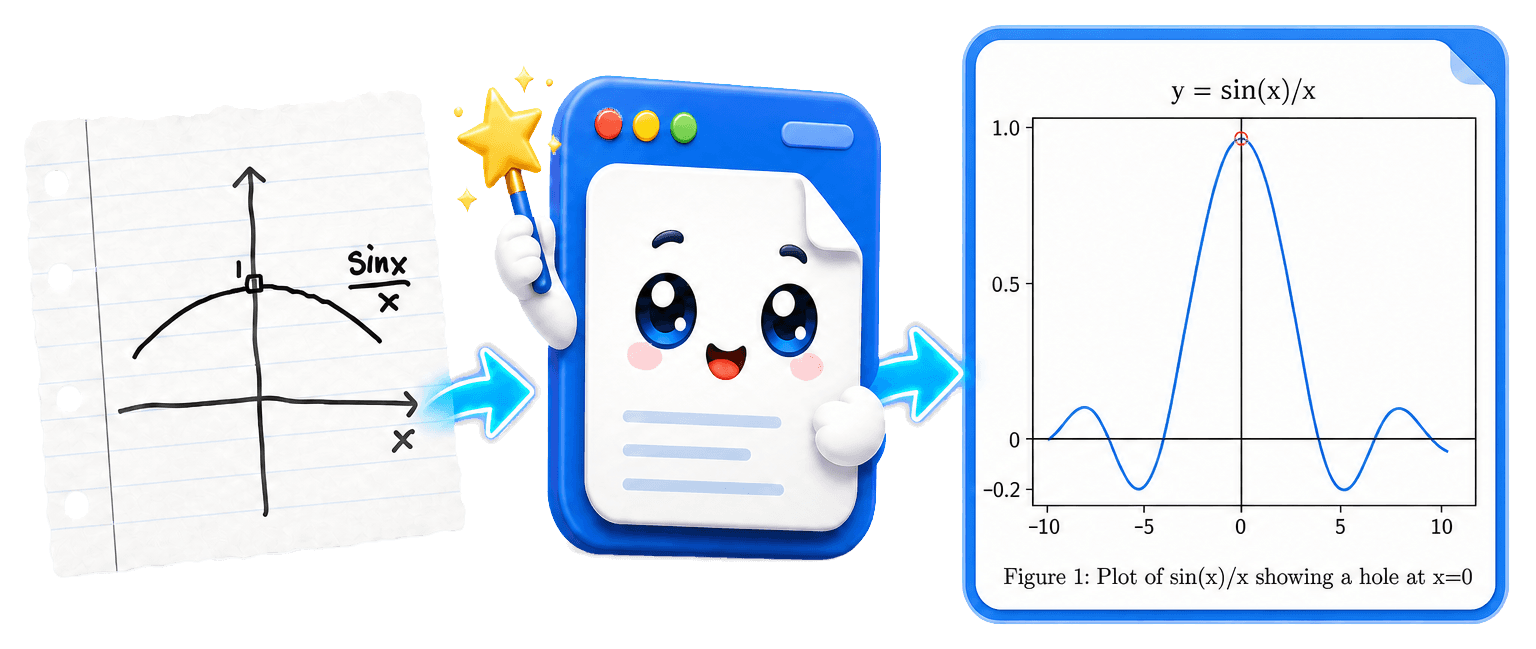
Turn handwritten notes into
LaTeX+PDF and Word
Upload photos, scans, or PDFs. Get typed text, editable equations, and reconstructed figures.
3 free guest conversions per day · PDF, JPG, or PNG · Watermarked output
Real conversions, not mockups
Built to academic standards
Handwriting
Read handwritten pages, whiteboard photos, and mixed print-and-script documents.
Math equations
Get editable LaTeX or native Word equations—not images of formulas.
Figures and graphs
Extract diagrams and rebuild sketches as clean matplotlib or TikZ graphics.
How a conversion works
- 1
Upload
- Upload up to 20 files of the same type in one job.
- PDF jobs can contain up to 50 pages total, including a PDF reference file.
- Guest-trial limits are lower.
- 2
Configure
- Select a preset task or attach a reference-format file.
- Enable Accessible Output, add instructions, or use Advanced AI.
- 3
Convert
- Choose LaTeX+PDF, Word, Markdown, or slides, then start the conversion.
- Wait while Write2Notes transcribes text and math and reconstructs figures.
- For LaTeX output, wait while the PDF is compiled in the cloud.
- 4
Review, refine, and download
- Preview and review the result.
- If needed, send refinement instructions in plain language.
- Download the files or open supported LaTeX output in Overleaf.
Start with a preset
Organize notesSummarizeGenerate an examGenerate homeworkSolve problemsFormula sheetTranslateSlidesCustom instructions
Accessibility
Create accessibility-enhanced documents
Scans are not screen-reader friendly. Accessible Output adds structure, figure descriptions, document metadata, and tagged PDFs where supported. Learn how to prepare Word and LaTeX documents, or check an existing PDF or DOCX.